
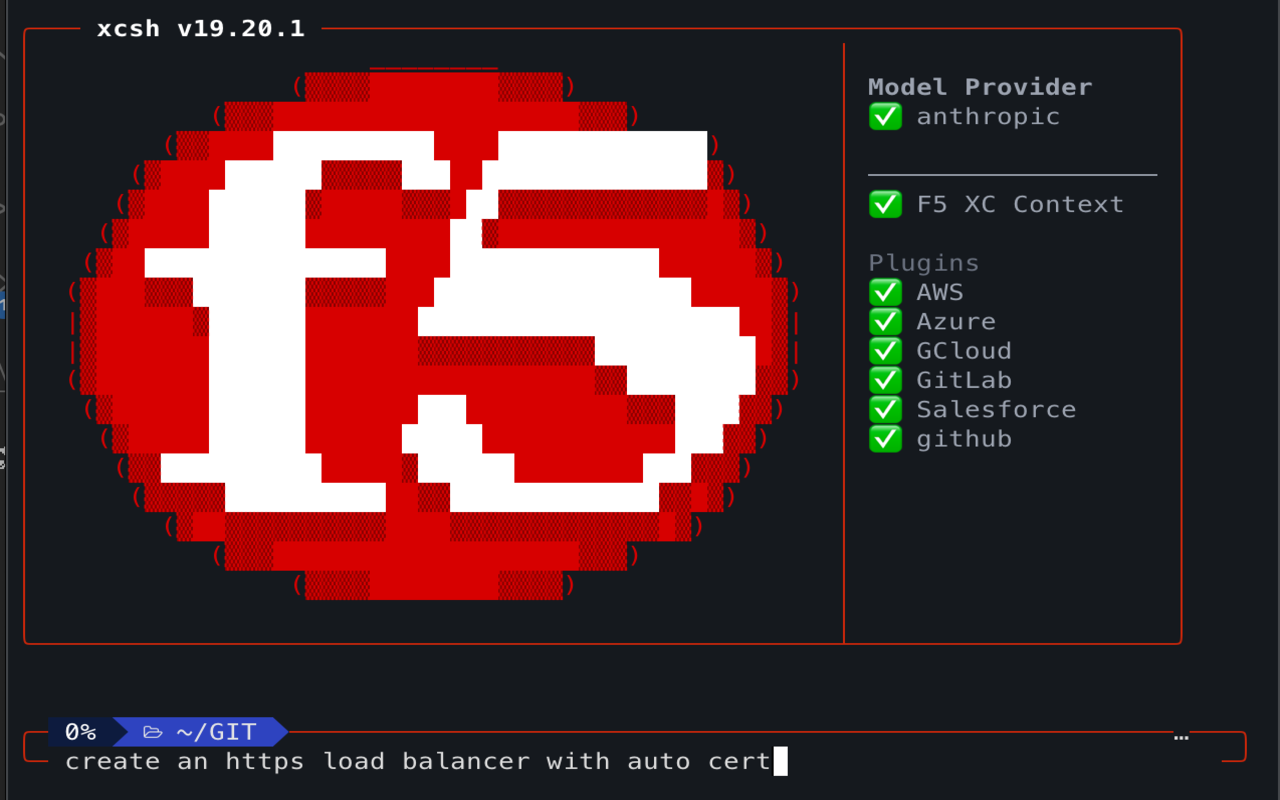
xcsh Chrome Extension
The xcsh Chrome Extension is a purpose-built Manifest V3 extension that lets the xcsh AI assistant drive the F5 Distributed Cloud admin console directly in your browser — deterministically, in headed mode, while you watch.
What it does
Sezione intitolata “What it does”The extension connects to the xcsh CLI through a local native-messaging bridge and exposes a surface of browser-automation tools scoped exclusively to the F5 XC console:
- Session-safe navigation — drives scoped console tabs after you authenticate directly in Chrome
- Accessibility-tree navigation — reads the console’s structure via role/name/text selectors
- Form automation — fills fields with Angular model commitment (handles the XC console’s
vsui-inputframework) - Deterministic interaction — clicks, selects, scrolls, and types via the Chrome DevTools Protocol
- Diagnostics — reads console logs and network requests for troubleshooting
How it works
Sezione intitolata “How it works”xcsh (the CLI AI assistant) connects to this extension over a local native-messaging bridge. The extension drives your real Chrome — no separate browser, no debug port, no headless mode. Every action is visible, and the extension only operates on F5 Distributed Cloud console domains.
Privacy
Sezione intitolata “Privacy”- The extension never accepts or stores login credentials; you authenticate directly in Chrome
- Chat content and tenant routing stay in memory for the active side-panel lifetime
- Persisted diagnostics contain metrics only, never tenant/session values or page URLs
- All communication is local (native-messaging bridge to the xcsh CLI)
- No data is sent to external servers
- Enterprise managed policy support (
allowedDomains,blockedUrlPatterns) via Chrome Enterprise
Getting started
Sezione intitolata “Getting started”- Install the xcsh CLI
- Install the extension — from the Chrome Web Store
- Run
xcsh chrome setupto install the native-messaging host - Log into your F5 XC tenant in Chrome
The extension is open source at github.com/f5-sales-demo/xcsh-chrome-extension.