
XC Configuration
This page is an inspection walkthrough for the deployed reference architecture. Select either the API workflow or Terraform as the resource owner before deployment.
Choose one ownership mode. Never run the API create/update/delete workflow against resources present in Terraform state.
When Terraform owns the resources, use the console only to inspect status and configuration. Do not select edit, clone, delete, or save actions.
Inspect Client-Side Defense
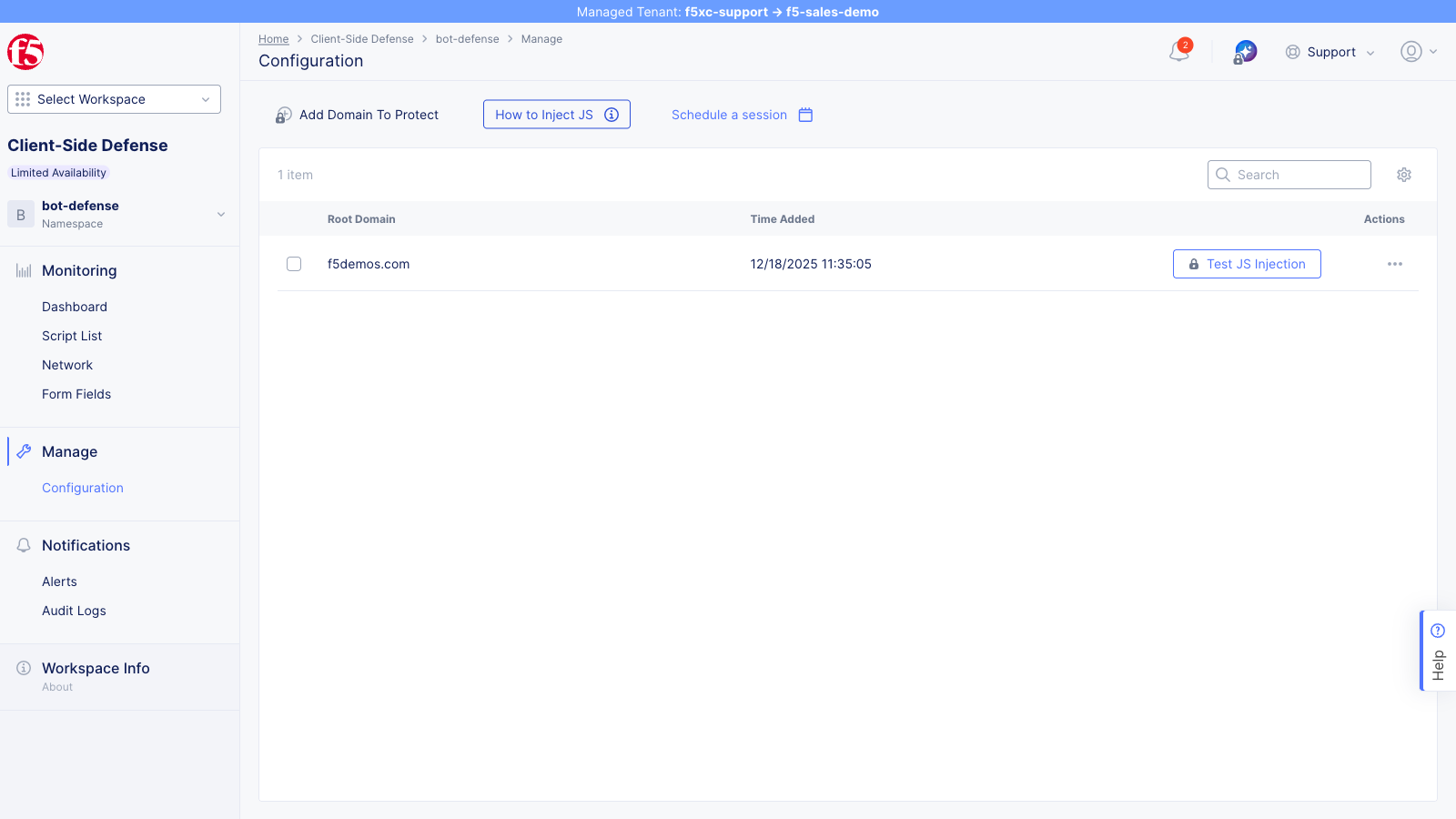
Section titled “Inspect Client-Side Defense”- Log in to the F5 Distributed Cloud Console 2. Select the Client-Side
Defense workspace 3. Set the namespace to client-side-defense 4.
Navigate to Manage → Configuration 5. Inspect the protected-domain
resource named
client-side-defenseand confirm its protected-domain value isf5-sales-demo.com; do not modify it
Inspect the HTTP Load Balancer
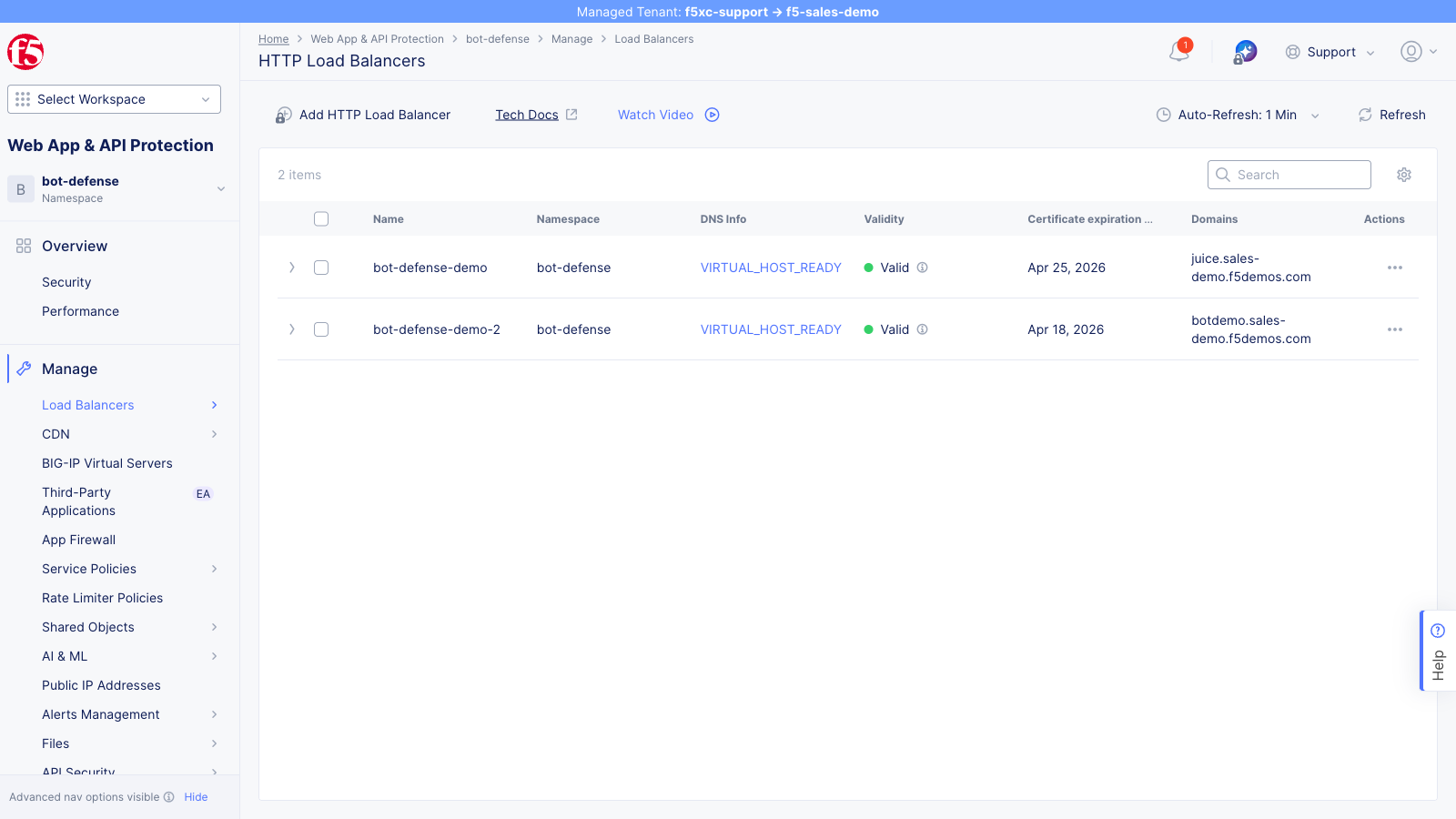
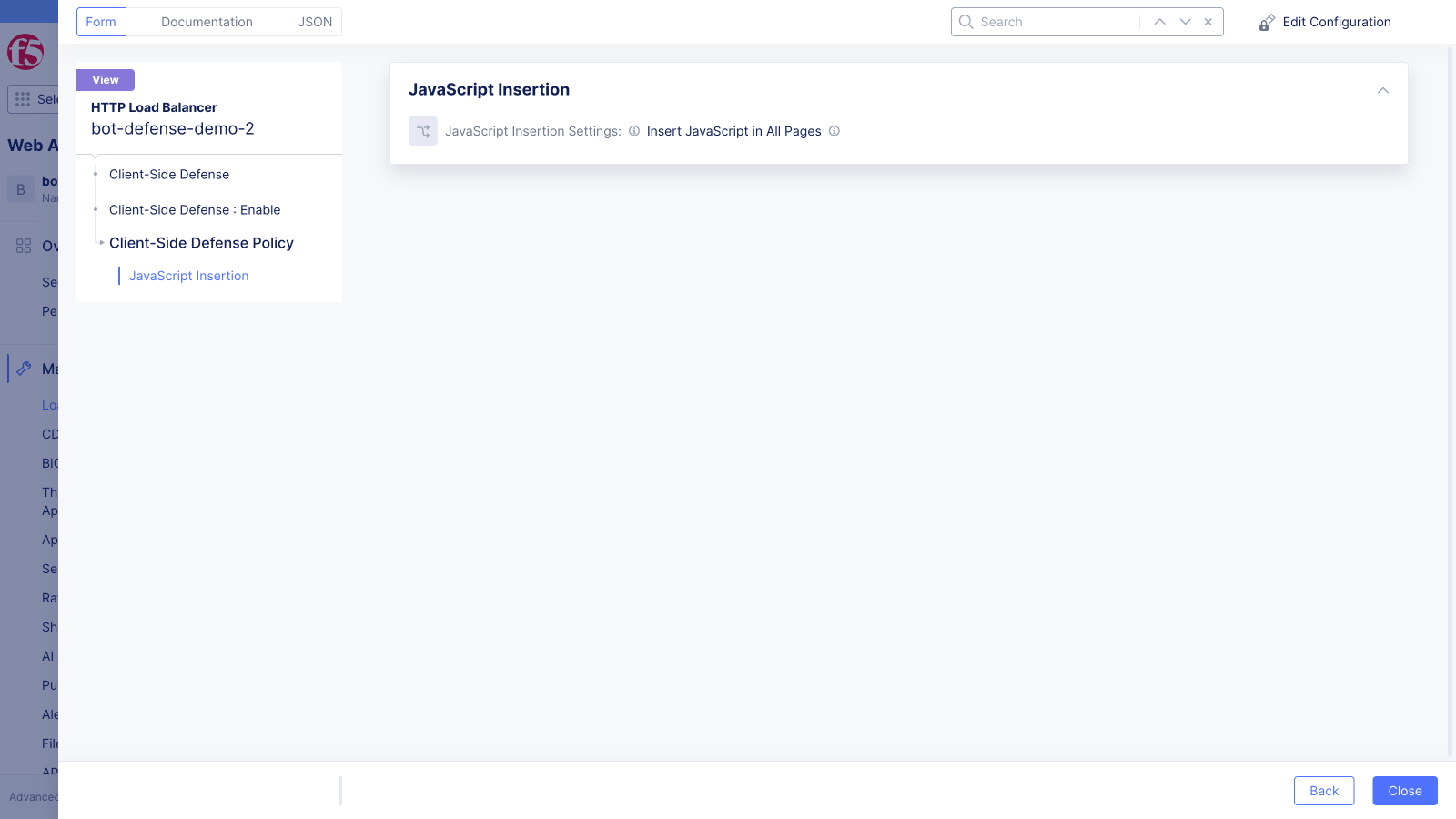
Section titled “Inspect the HTTP Load Balancer”The shared architecture uses one HTTP load balancer named client-side-defense. It advertises on
the public default VIP, serves HTTPS with an automatic certificate, redirects HTTP to HTTPS, routes
to one origin pool, and inserts CSD JavaScript on all pages. The AWS origin pool uses the deployed
Application Load Balancer hostname as public_name; an Azure alternate uses public_ip.
- Navigate to Multi-Cloud App Connect → HTTP Load Balancers 2.
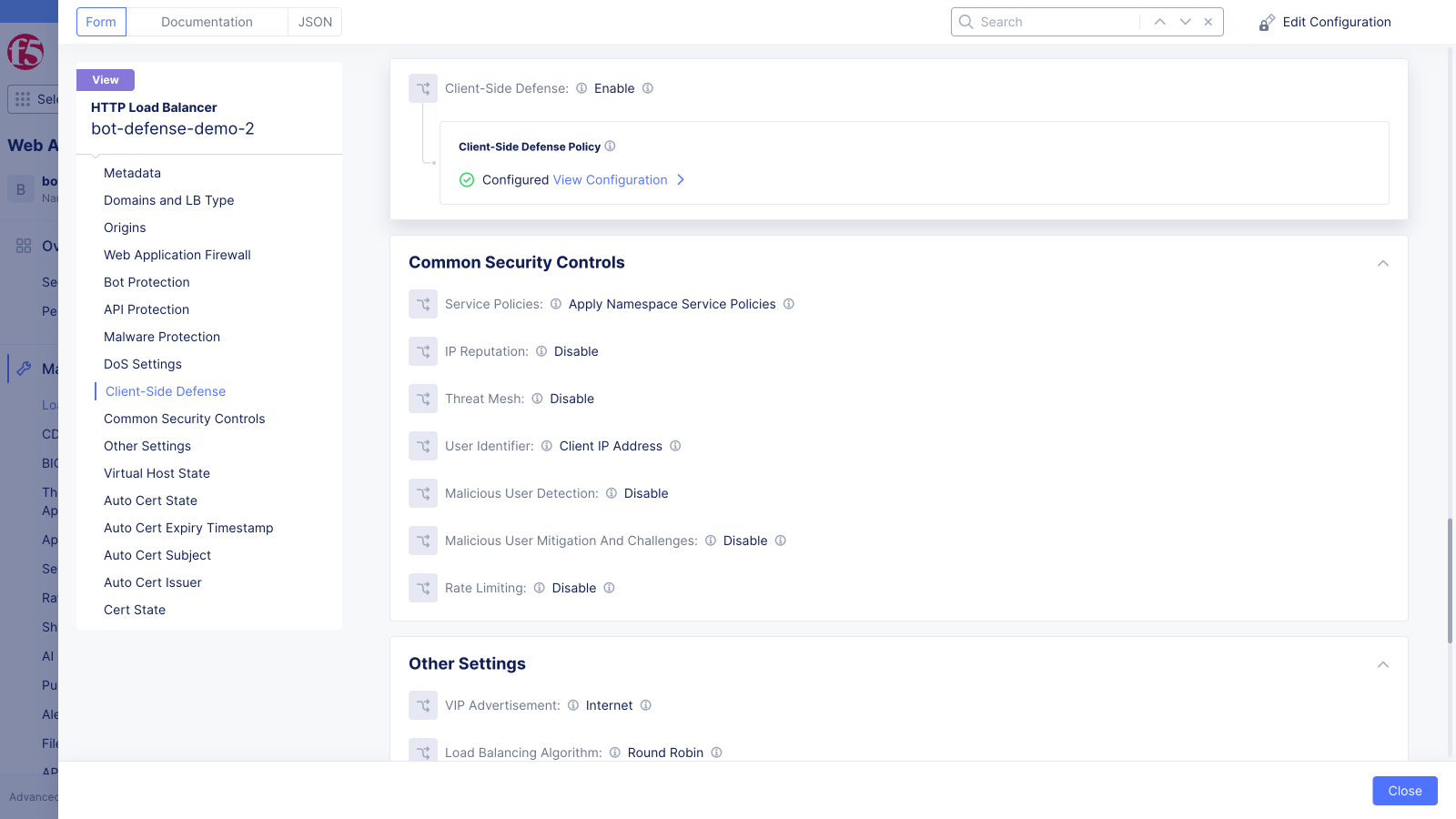
Open the read-only details for
client-side-defense; do not choose Manage Configuration when Terraform owns it 3. Confirm the domain isclient-side-defense.f5-sales-demo.comand the virtual host is ready 4. Inspect the Client-Side Defense section and confirm JavaScript insertion applies to all pages
Verify Script Injection
Section titled “Verify Script Injection”- Open the reference application in Chrome
- Press F12 to open DevTools
- Go to the Elements tab
- Search for
__imp_apg__orzeronaughtin the HTML to locate CSD instrumentation scripts - Confirm one or more CSD
<script>tags are present in the<head>— exact paths vary by deployment - Confirm the scripts were injected by the load balancer rather than included in the origin application
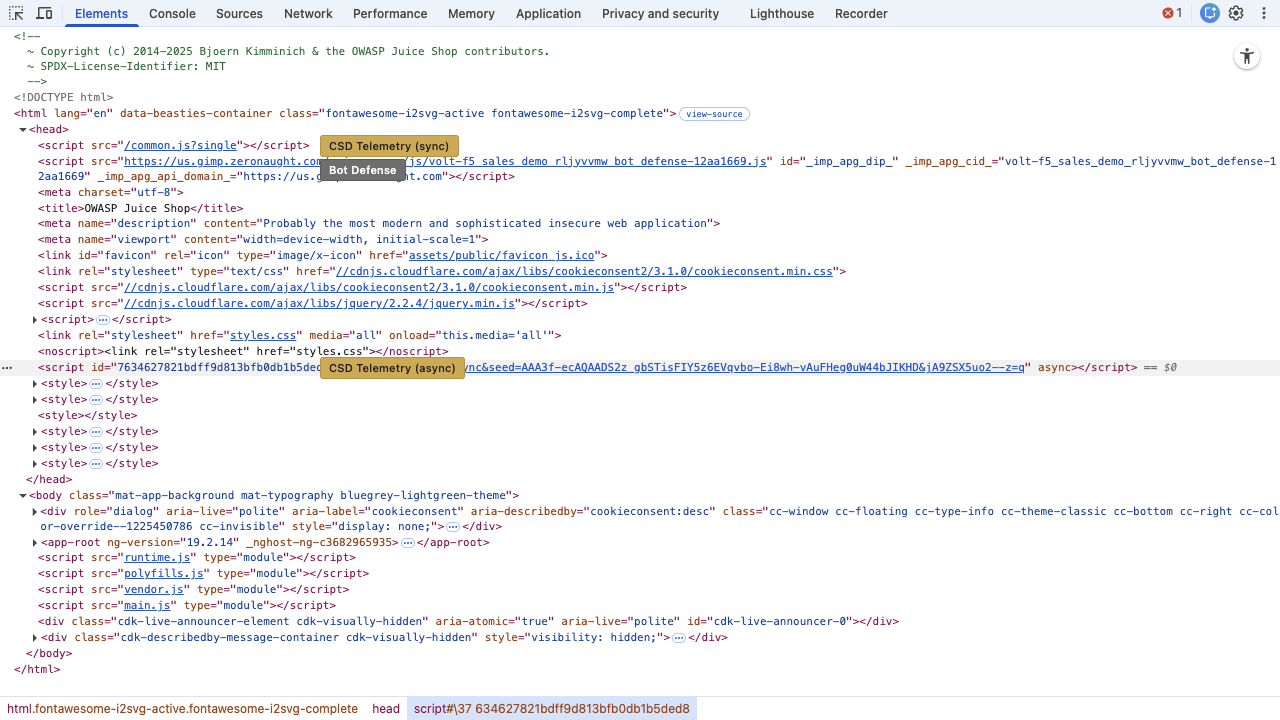
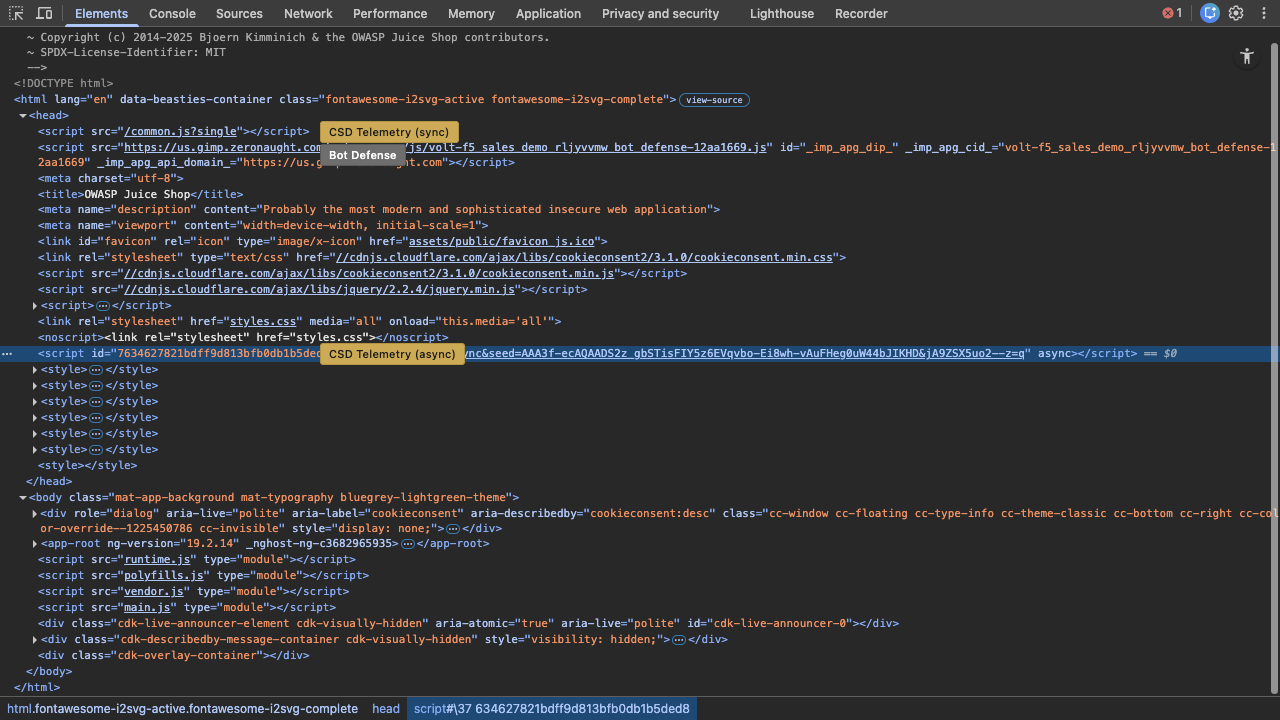
The CSD instrumentation scripts are injected by the F5 Distributed Cloud load balancer; they are not part of the application source.